
How to Install IPTV Smarters Pro on Firestick
Step-by-step guide to install IPTV apps on Amazon Fire TV Stick
📺 Introduction
IPTV Smarters Pro is one of the most popular IPTV players. It allows you to stream your IPTV subscription easily on Firestick, even if it's not available on the Amazon App Store.
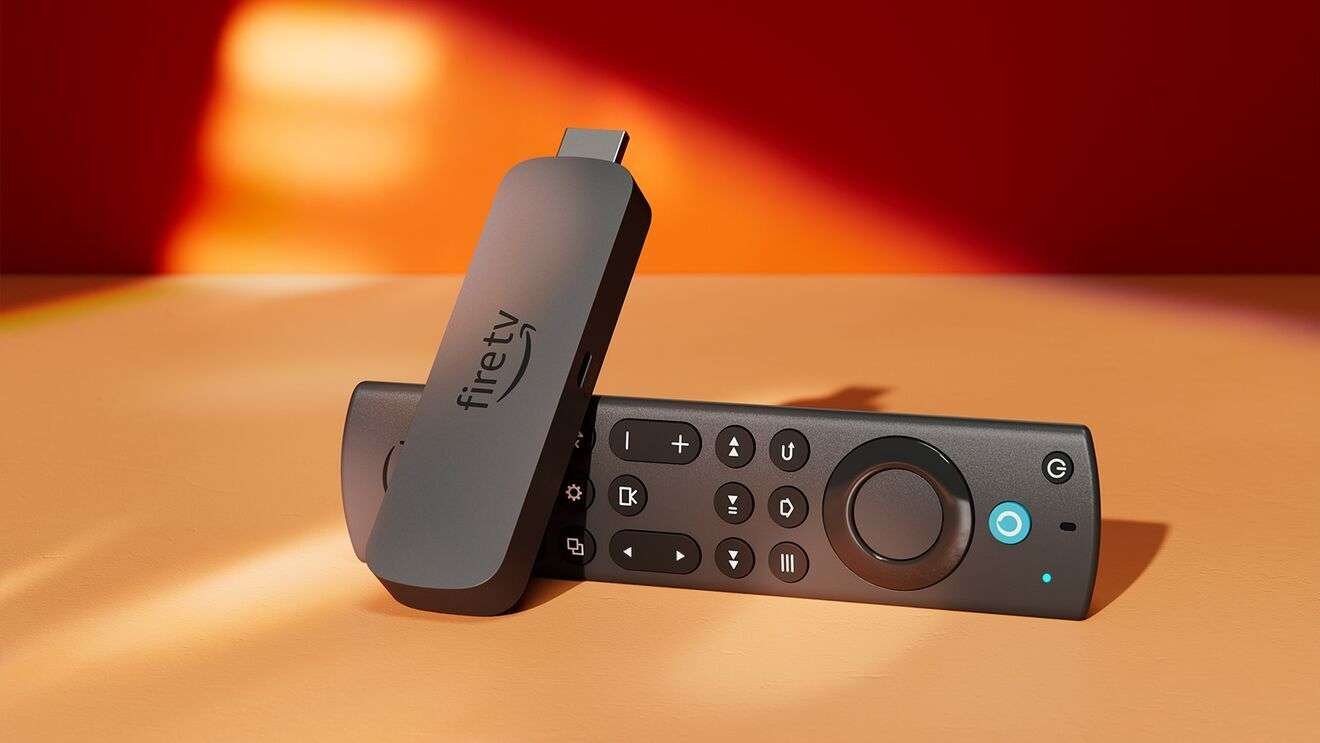
⚙️ Step 1: Prepare Your Firestick
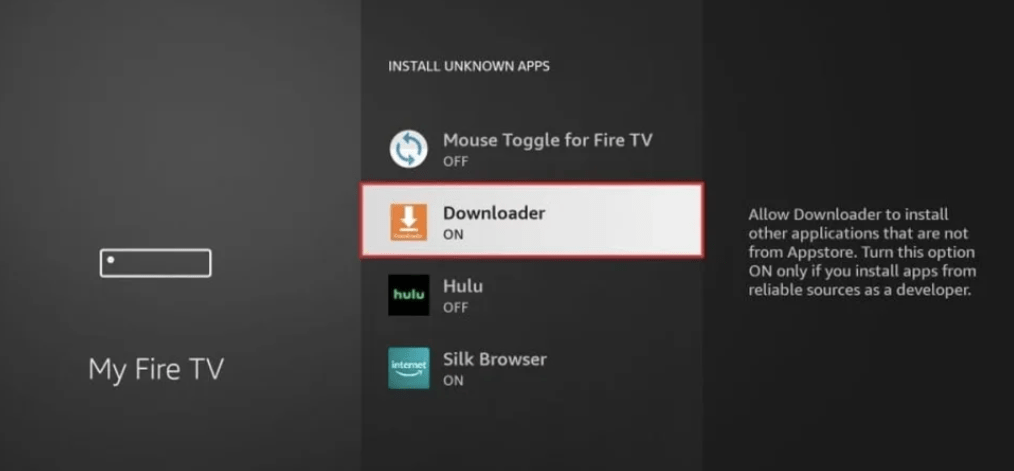
Go to Settings → My Fire TV → Developer Options.
Enable Apps from Unknown Sources.

⬇️ Step 2: Install Downloader
Search for Downloader, install it, open it, and allow permissions.
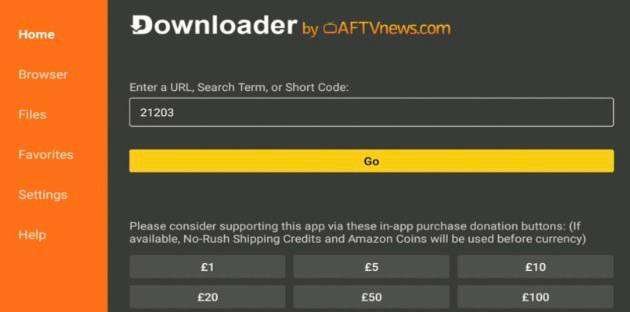
🌐 Step 3: Download APK
https://www.iptvsmarters.com/smarters.apk
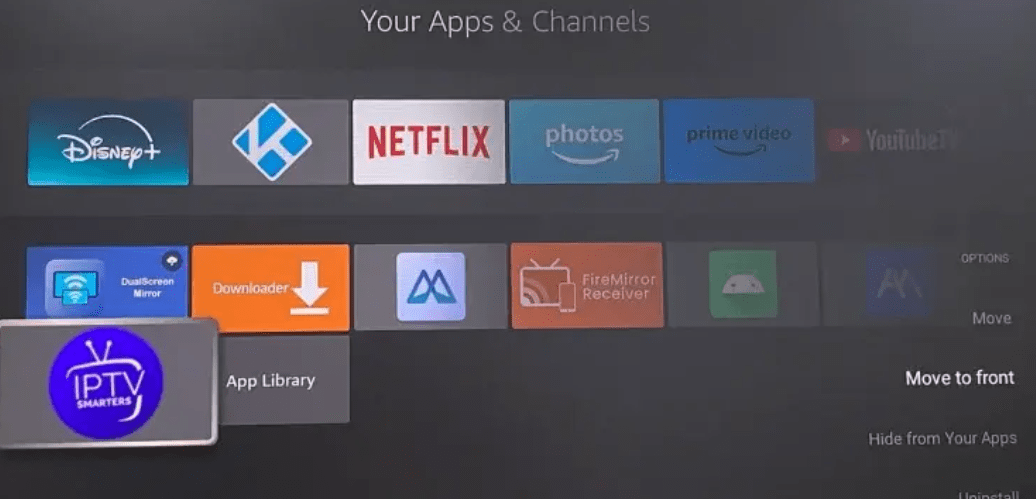
📦 Step 4: Install App
Click Install, then Open.
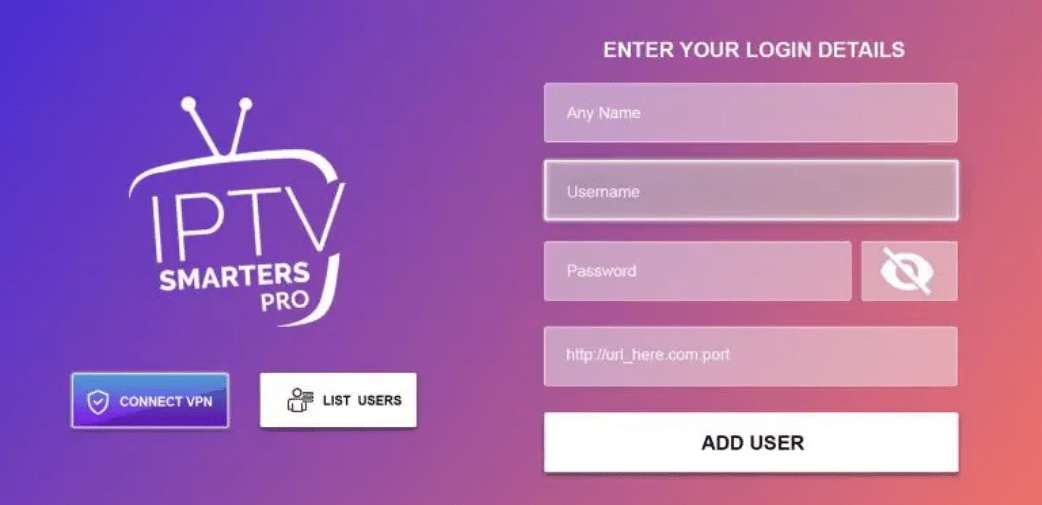
🔐 Step 5: Login
M3U URL or Xtream Codes API.
🎬 Step 6: Enjoy
Start watching your channels instantly.